Trac 2 Scheduling Program
What You'll Get
3 files included
Total size: 0.49 MB
✓ Instant download after checkout
Description
Build a full critical path construction schedule — a house, a warehouse,
an office fit-out, or a twenty-four storey tower.
Every scheduling program starts you at an empty grid, and this one does
too. Insert your own tasks, indent them, link them, set constraints, and
schedule anything with tasks, durations and an order they happen in: a
renovation, a tenant improvement, a subdivision.
It just isn't the only way in.
IT WRITES THE SCHEDULE FOR YOU
Pick the structure type, the building use, the sitework and the number of
levels. The program writes the rest — and the questions change to suit the
building. A wood frame house isn't asked about window curbs, because a
framed wall doesn't have one. A wood frame job doesn't get a tower crane.
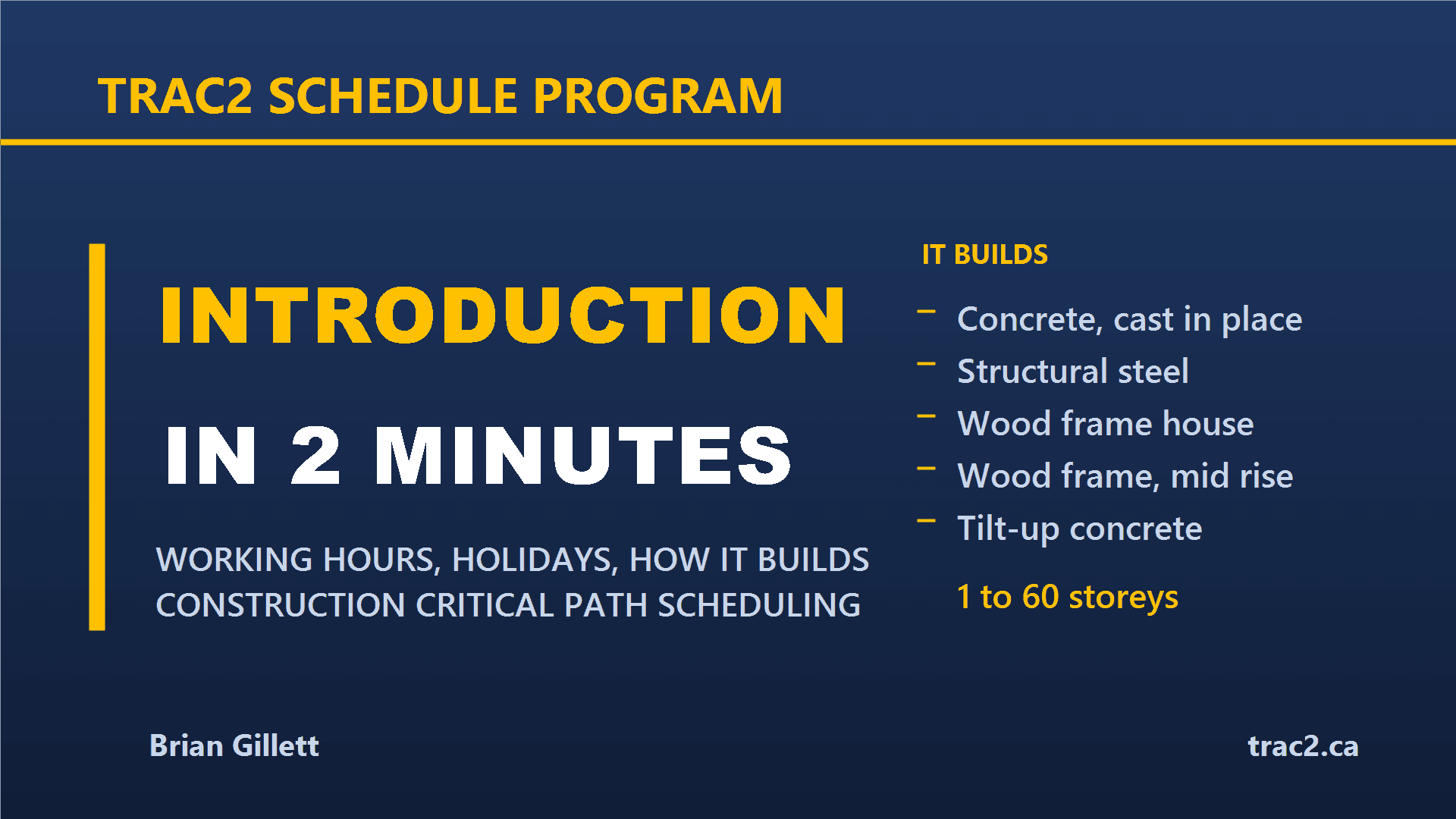
Single family house Wood frame
Low rise apartment Wood frame, mid rise
Warehouse / industrial Tilt-up concrete
Office building Structural steel
Condo / apartment tower Concrete, cast in place
One to 60 storeys. Crawl space, slab on grade or full basement. Up to 8
underground parking levels. Open cut, shored, or deep excavation.
The generator is a head start on the buildings it knows — not a limit on
what you can schedule.
WHAT IT ALREADY KNOWS
This is the part that is hard to buy. On a concrete tower, every one of
these is wired in as real logic, not a note on a bar:
• The floor to floor cycle, with the fly tables stripped off one floor
and flown up to form the floor above
• Window curbs following the fly form removal — and releasing the
finishing trades behind them
• Transfer slabs over a high ground floor, and the relocated tower
column starters that go with them
• Tower crane erected during the footing pour, on a pad that gets poured
• Man and material hoist, and when the crane can come down
• Hoistway doors one per landing — often the real driver on a tower
The same depth is in the smaller buildings. It just has less to say about
a house, because a house has less going on.
SCHEDULING
• Full CPM, forward and backward pass
• Critical path with a near-critical slack threshold, and multiple
critical paths
• Task path highlighting — select any task and see what drives it and
what it drives, both directions, in one click
• Working HOURS per day, not just working days, so a half day task means
half of an actual shift
• Half day Saturdays handled as a shorter window
• 15 regional holiday calendars, Canada and the United States, with the
weekend rules and Christmas shutdown handled
• Manual or automatic scheduling per task, progress and percent complete
• Detail levels — issue 100 rows instead of 1,000
IT IS YOUR SCHEDULE, NOT MINE
Every judgement call about how a team runs a floor is a field on the title
page, not a number buried in the code. Change one and the whole building
re-sequences.
WHERE THE NUMBERS CAME FROM
Some of these blocks were measured off real job files. Some were built
from published practice. They are not the same thing, and the program says
which is which — in the dropdown, while you are choosing. Where a block is
published practice, your own numbers beat mine.
HOW IT RUNS
• One HTML file. It opens in any browser.
• No installation, no account, no subscription.
• Works with no internet — which matters in a site trailer.
• One file per job. Save it, email it, open it anywhere.
• Autosave with recovery if the program closes with work open.
• Export to CSV, or print with the title block.
WHAT IT DOES NOT DO
No crew time entry, no phone app, no multi-user sync, no invoicing or job
costing. It builds and maintains the schedule. If what is hurting is field
hours reaching job costing without being retyped on a Friday afternoon,
that is a different tool and you should buy that one.
ALSO FROM TRAC 2
Concrete and formwork takeoff feeding a full CSI estimate, in one tool —
the TRAC2 Estimating Suite. Same idea, same one-file approach, built from
the same 55 years. See it at trac2.ca
Brian Gillett — 55 years in high-rise concrete.
Questions: trac2.mgmt@gmail.com