Sell digital art on PengDrop
Sell digital art online
Sell your art as files people can print, use in their own designs or install as creative tools. PengDrop accepts high-resolution images, vector files and ZIP packs, so illustrations, icon sets, brushes and textures can all live in one store.
- Free plan: 5% commission per sale
- Annual plan: $89/year, 0% commission
- Files up to 500MB, 10GB storage
Who sells digital art on PengDrop
- Illustrators selling printable art and high-resolution illustrations
- Designers selling icon sets, clip art and textures
- Procreate and Photoshop artists selling brushes
- Photographers and artists selling images for personal or commercial use
Digital art that sell well as downloads
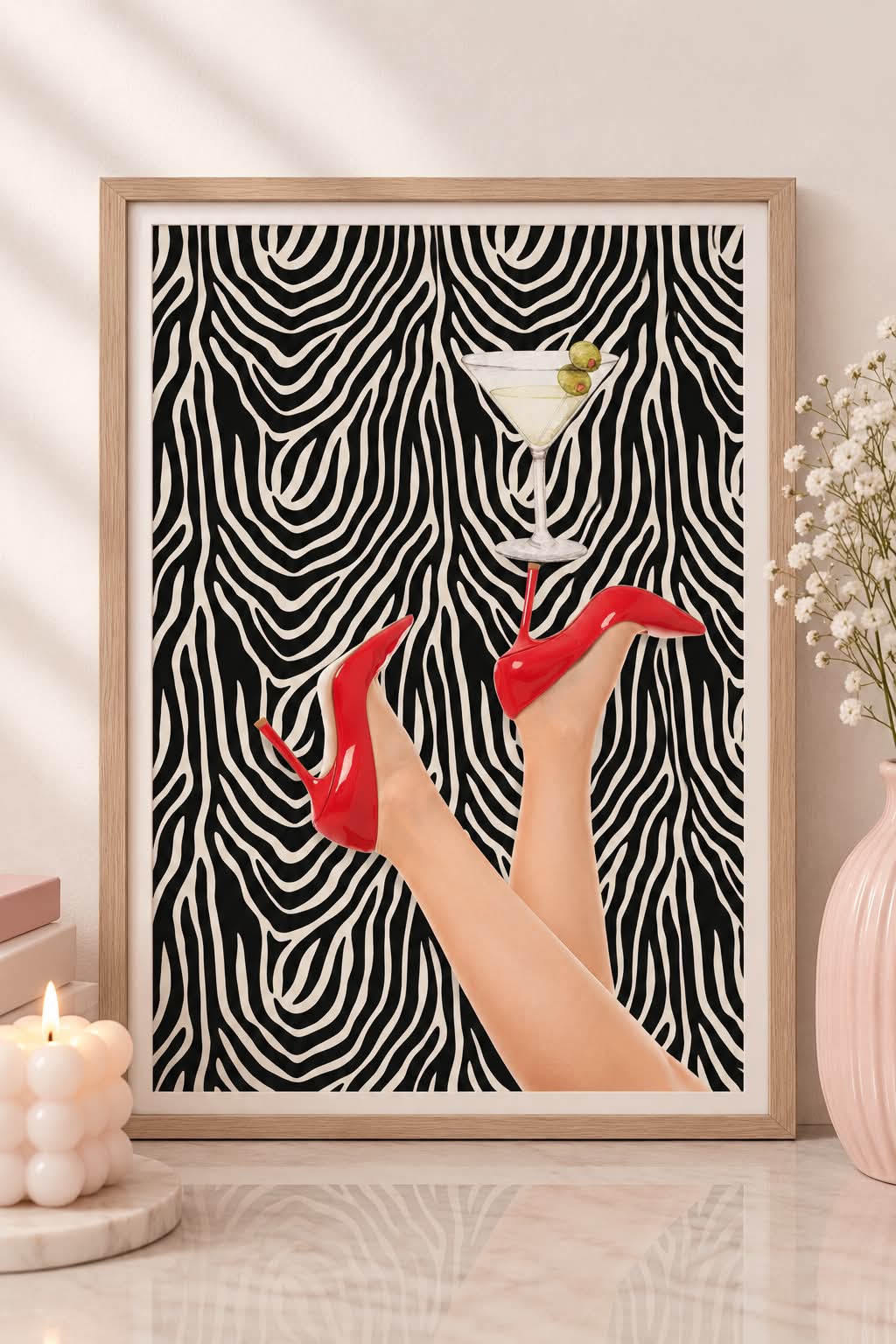
- Printable illustrations and posters
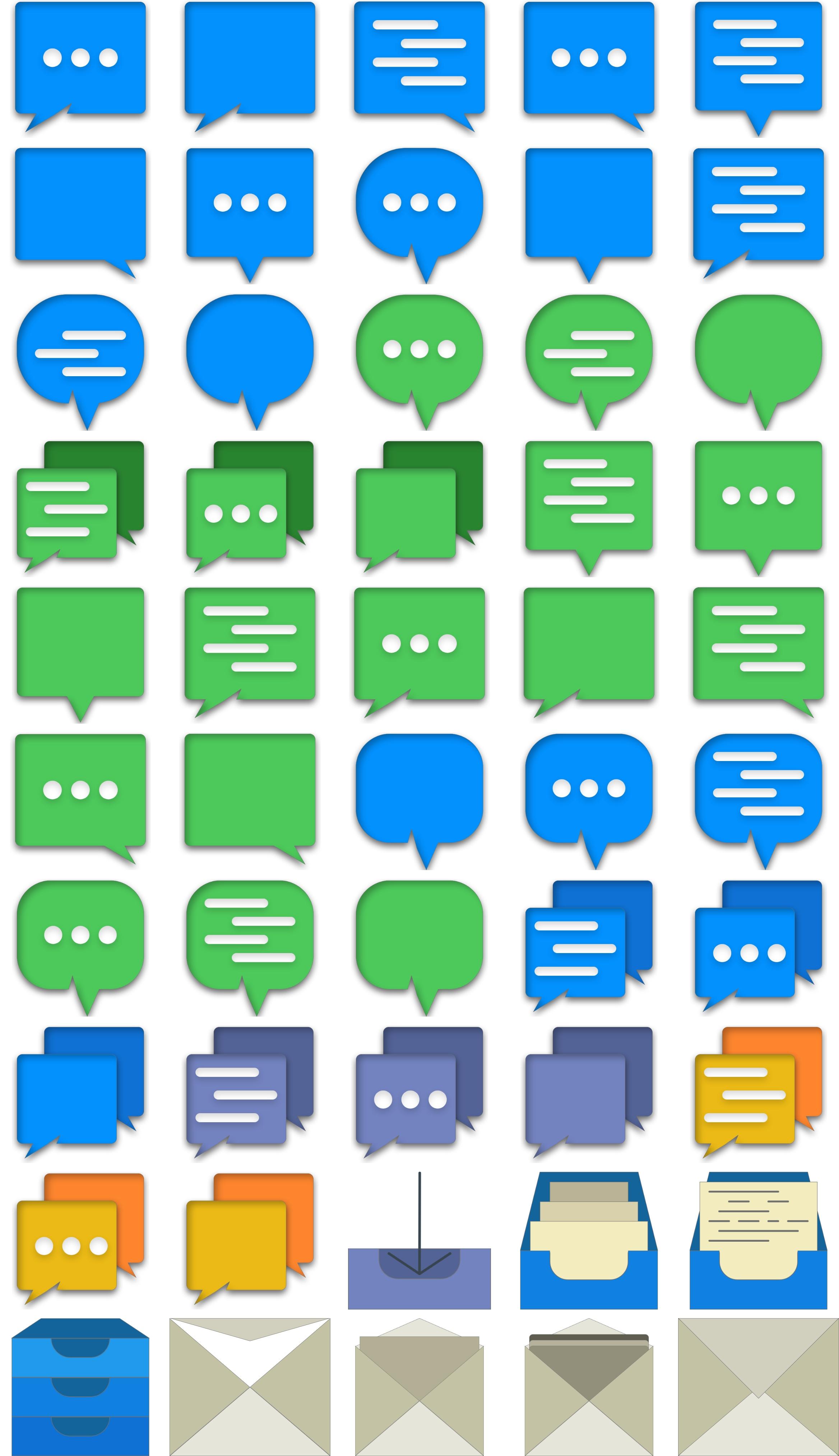
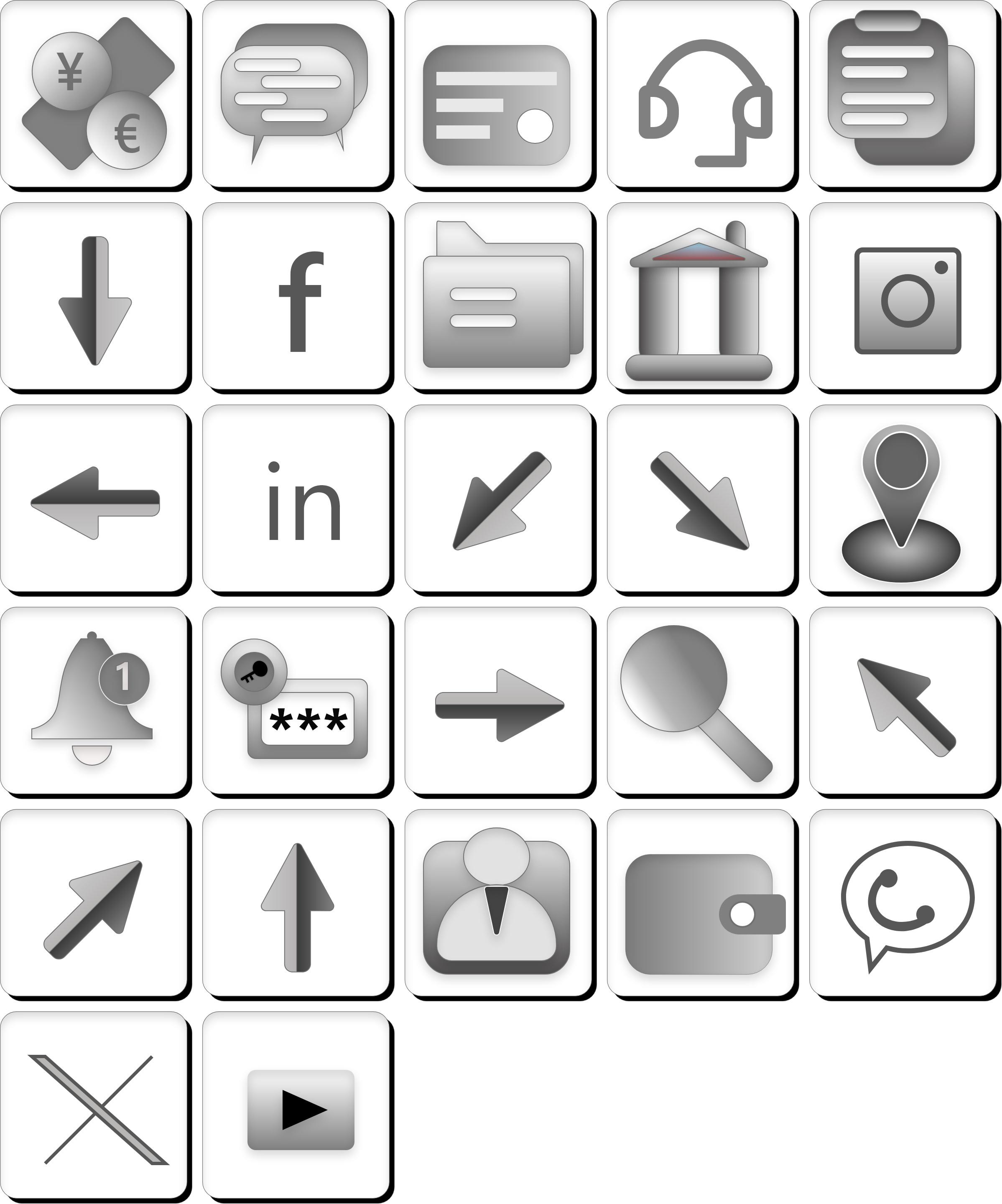
- Icon sets and clip-art bundles
- Procreate and Photoshop brush packs
- Textures, patterns and backgrounds
- Stock photos and photo packs
File types for digital art
Each product can hold several files of up to 500MB each. Buyers get a download link for every file by email, valid for 30 days.
PNG / JPG / TIFF
High-resolution images and prints.
SVG
Scalable vector icons and illustrations.
ZIP
Brush files (.brushset, .abr), layered files and large packs; zip any format that is not accepted on its own.
How to price digital art
Licence and resolution set the price. Personal-use prints sit at the low end; packs that buyers can use in commercial work are worth more, so say clearly which licence each product includes.
- State the licence (personal or commercial use) in every description.
- Sell a personal-use and a commercial-use version as separate products.
- Show the pack contents in a grid preview image.
- Give away a small free pack to grow your audience.
How to sell digital art on PengDrop
Create your free store
Sign up with your email, pick a store name and you get a storefront at pengdrop.com/store/your-name. No credit card is needed to start.
Connect Stripe to get paid
Connect your own Stripe account so buyers can pay by card, Apple Pay or Google Pay. Payments go to your Stripe account, not to PengDrop. Free products need no payment setup at all.
Package your files
Export at full resolution, organise files into folders and zip anything that is not a standard image or PDF (brush files, layered files).
Create the product
Upload the files (up to 500MB each), add previews that show the art in use, write the licence terms into the description and set your price.
Publish and share the link
Every product gets its own page you can share on social media, in your newsletter or embed on your own site. Buyers do not need an account: they pay and get a download link by email straight away.
Digital art for sale on PengDrop
Recent listings from independent PengDrop stores.
Questions about selling digital art
What digital art file types can I sell?
Images (PNG, JPG, TIFF, WEBP, SVG), PDFs and ZIP archives. File types that cannot be uploaded directly, such as Procreate .brushset files, can be zipped and sold as a ZIP.
How do I protect my art from being shared?
Download links are unique to each order and are sent only to the buyer. No digital file can be fully protected once downloaded, so watermark your preview images and state your licence terms clearly.
Can I sell commercial-use licences?
Yes. Write the licence terms in the product description (and include a licence PDF in the download). Many artists sell personal and commercial versions as separate products at different prices.
What does PengDrop charge?
A 5% commission per sale on the free plan, or 0% on the $89/year Annual plan, plus Stripe's processing fees.
Open your digital art store today
Free to start with 5% commission per sale. No credit card needed.
Create your free store