Sell Canva templates on PengDrop
Sell Canva templates online
Canva templates are sold as a template link that opens a copy in the buyer's own Canva account. Package the link in a PDF with usage notes, upload it to PengDrop and it is delivered automatically to everyone who buys.
- Free plan: 5% commission per sale
- Annual plan: $89/year, 0% commission
- Files up to 500MB, 10GB storage
Who sells Canva templates on PengDrop
- Graphic designers who build for clients and want a product version
- Social media managers with reusable post and story designs
- Coaches and small businesses selling branded kits to their niche
- Etsy template sellers who want their own storefront
Canva templates that sell well as downloads
- Instagram post and story packs
- Presentation and pitch deck templates
- Brand kits with logos, colours and social headers
- Ebook, workbook and lead-magnet layouts
- Wedding, event and invitation templates
File types for Canva templates
Each product can hold several files of up to 500MB each. Buyers get a download link for every file by email, valid for 30 days.
Holds the Canva template link(s), instructions and font notes.
PNG / JPG
Preview images of every design in the pack.
How to price Canva templates
The number of designs and how ready-to-use they are drive the price. A coherent pack for one purpose (a full month of posts, a whole brand kit) sells better than a loose collection.
- Show every design in the preview images so buyers know exactly what they get.
- Say whether the templates need Canva Pro elements.
- Sell a small starter pack and a larger bundle side by side.
- Add a short video showing how to edit the template.
How to sell Canva templates on PengDrop
Create your free store
Sign up with your email, pick a store name and you get a storefront at pengdrop.com/store/your-name. No credit card is needed to start.
Connect Stripe to get paid
Connect your own Stripe account so buyers can pay by card, Apple Pay or Google Pay. Payments go to your Stripe account, not to PengDrop. Free products need no payment setup at all.
Create the template link
In Canva, share your design as a template link so buyers get their own copy rather than editing yours.
Upload the delivery PDF
Put the template link(s), editing tips and any font names in a PDF. Upload it with preview images and set your price.
Publish and share the link
Every product gets its own page you can share on social media, in your newsletter or embed on your own site. Buyers do not need an account: they pay and get a download link by email straight away.
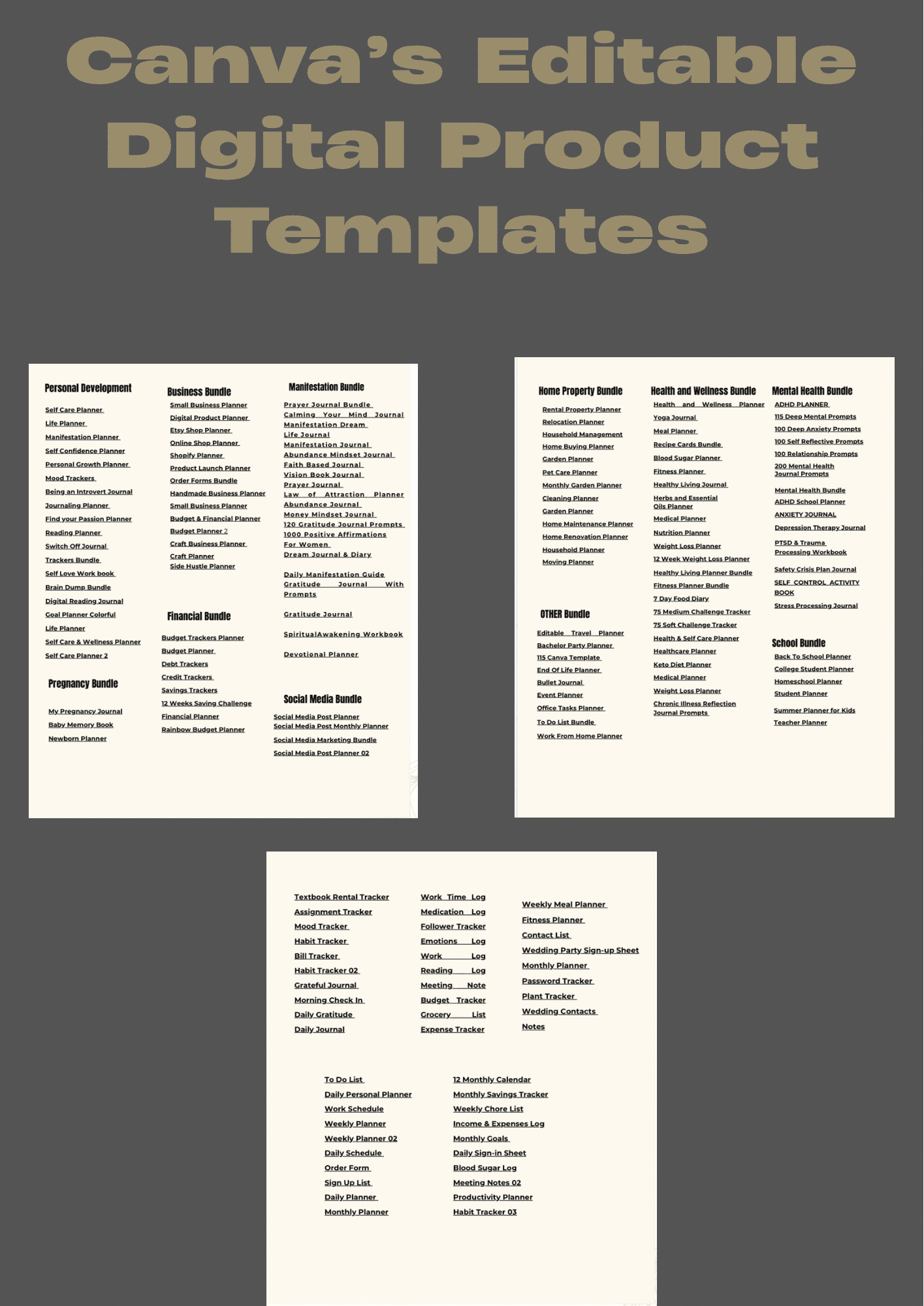
Canva templates for sale on PengDrop
Recent listings from independent PengDrop stores.
Questions about selling Canva templates
Is it allowed to sell Canva templates?
Canva allows selling templates you designed, with conditions about how its own elements are used. Read Canva's current content licence before you sell and avoid reselling Canva elements on their own.
How do buyers receive a Canva template?
They receive a download link by email right after payment. The downloaded PDF contains your template link, which opens a copy in their own Canva account.
Do buyers need Canva Pro?
Only if your design uses Pro elements or fonts. Templates built from free elements work on a free Canva account. State which one applies in your description.
What are the fees?
A 5% commission per sale on the free plan, or 0% on the $89/year Annual plan, plus Stripe's standard processing fees.
Open your Canva templates store today
Free to start with 5% commission per sale. No credit card needed.
Create your free store