Sell templates on PengDrop
Sell templates online
Spreadsheets, documents, resumes, contracts and design files all sell well as templates because they save the buyer a blank-page start. PengDrop accepts Excel, Word, PowerPoint, PDF and ZIP files, so you can sell almost any template format from one store.
- Free plan: 5% commission per sale
- Annual plan: $89/year, 0% commission
- Files up to 500MB, 10GB storage
Who sells templates on PengDrop
- Accountants and analysts selling spreadsheet models
- Recruiters and career coaches selling resume and cover letter templates
- Consultants selling business plans, proposals and contracts
- Designers selling UI kits, mock-ups and layout files
Templates that sell well as downloads
- Budget, invoice and financial model spreadsheets
- Resume and cover letter templates
- Business plan, proposal and SOP documents
- Pitch decks and slide templates
- UI kits, mock-ups and website wireframes
File types for templates
Each product can hold several files of up to 500MB each. Buyers get a download link for every file by email, valid for 30 days.
XLSX / CSV
Spreadsheet templates; add a Google Sheets copy link in a PDF for Sheets users.
DOCX / PPTX
Editable Word documents and PowerPoint decks.
Instructions, previews and links to Google Docs, Sheets or Figma copies.
ZIP
Design files and multi-file kits in one download.
How to price templates
Price by how much expertise the template contains. A spreadsheet with working formulas or a contract drafted by a professional is worth far more than a blank layout.
- Say which software and versions the template works in.
- Include a filled-in example next to the blank version.
- Sell single templates and an all-in-one bundle.
- List what is editable (text, colours, formulas) in the description.
How to sell templates on PengDrop
Create your free store
Sign up with your email, pick a store name and you get a storefront at pengdrop.com/store/your-name. No credit card is needed to start.
Connect Stripe to get paid
Connect your own Stripe account so buyers can pay by card, Apple Pay or Google Pay. Payments go to your Stripe account, not to PengDrop. Free products need no payment setup at all.
Prepare a clean, editable version
Remove personal and client data, lock formula cells you do not want changed, and add a "start here" tab or page with instructions.
Upload the files
Upload the template files (up to 500MB each, several per product), add screenshots, and choose a category so the template shows up in the right place in your store.
Publish and share the link
Every product gets its own page you can share on social media, in your newsletter or embed on your own site. Buyers do not need an account: they pay and get a download link by email straight away.
Templates for sale on PengDrop
Recent listings from independent PengDrop stores.
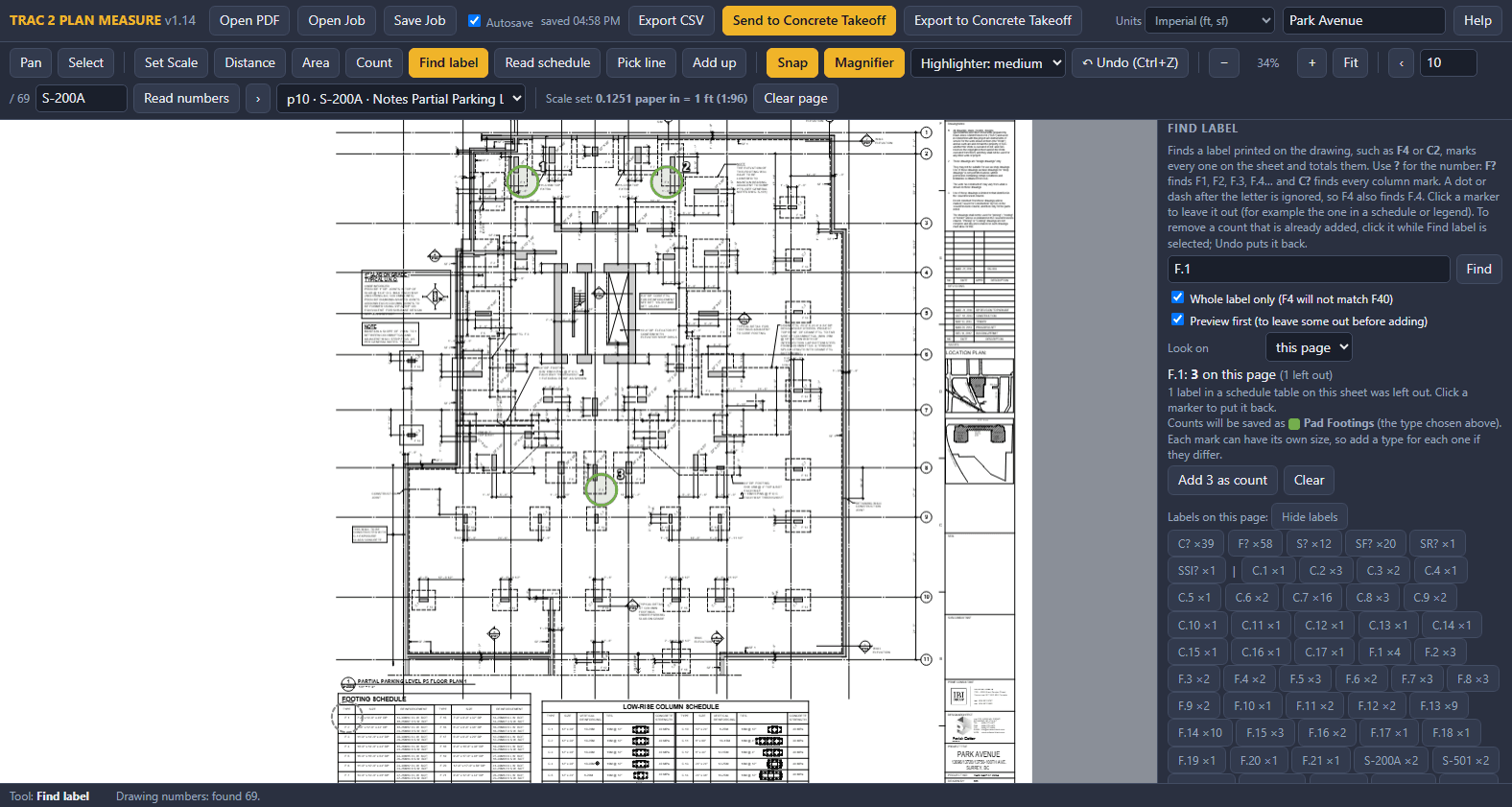
TRAC 2 Plan Measure - PDF Takeoff for Concrete
trac2.mgmt's Store
$150.00
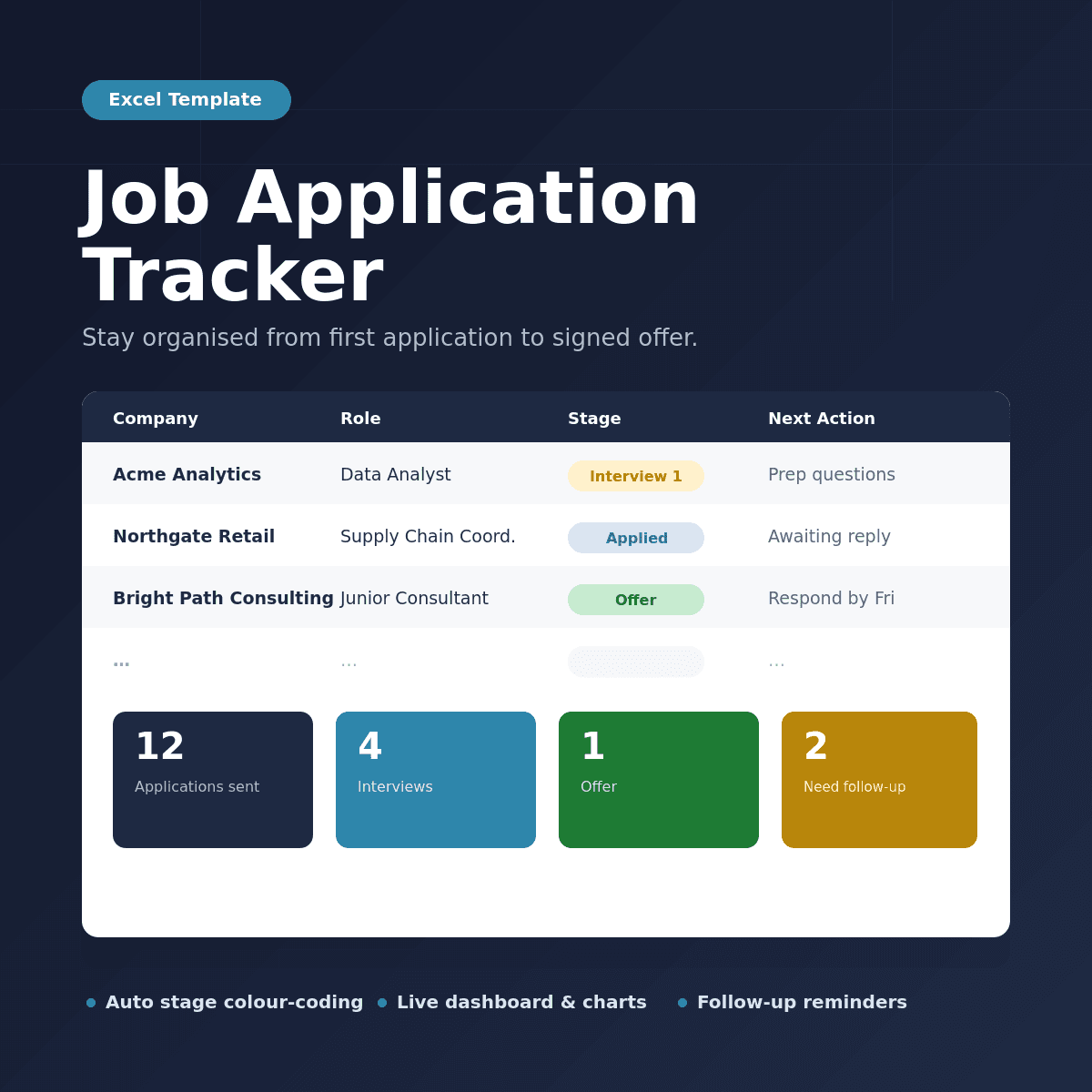
Job Application Tracker
samdalrymple1's Store
£10.00
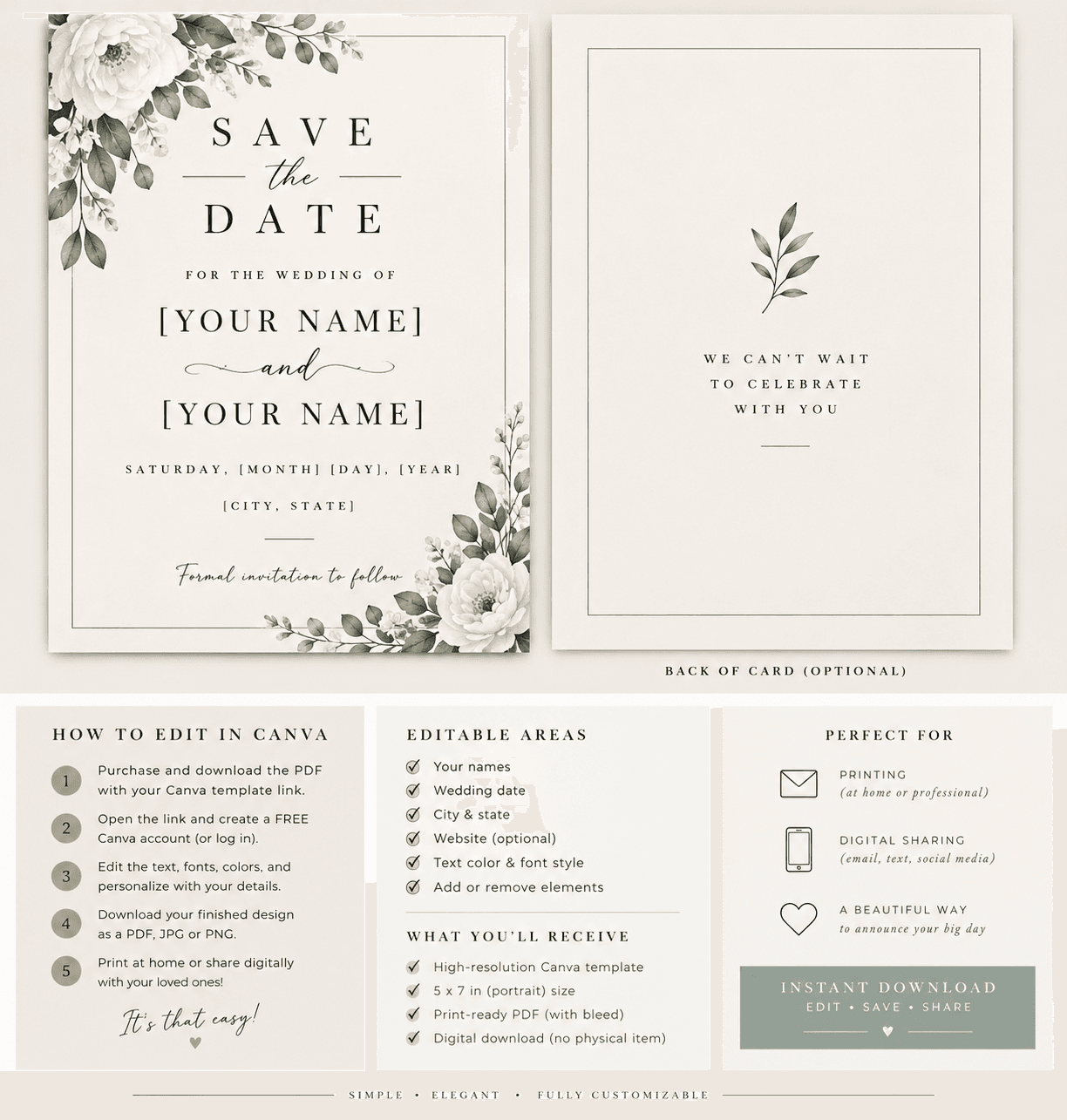
Wedding save the-dates
homolovaalex4's Store
€10.00
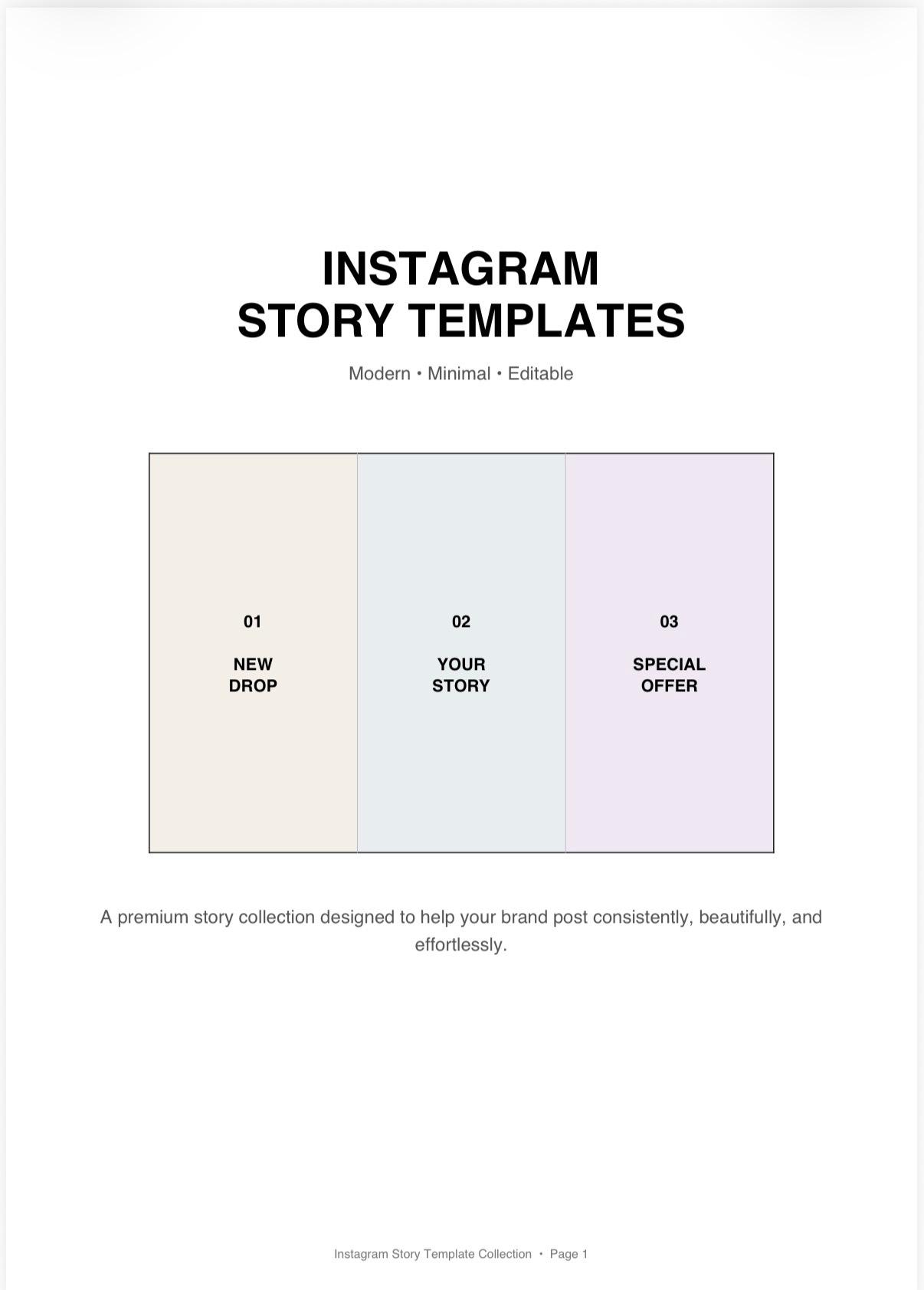
Instagram story template
homolovaalex4's Store
€10.00
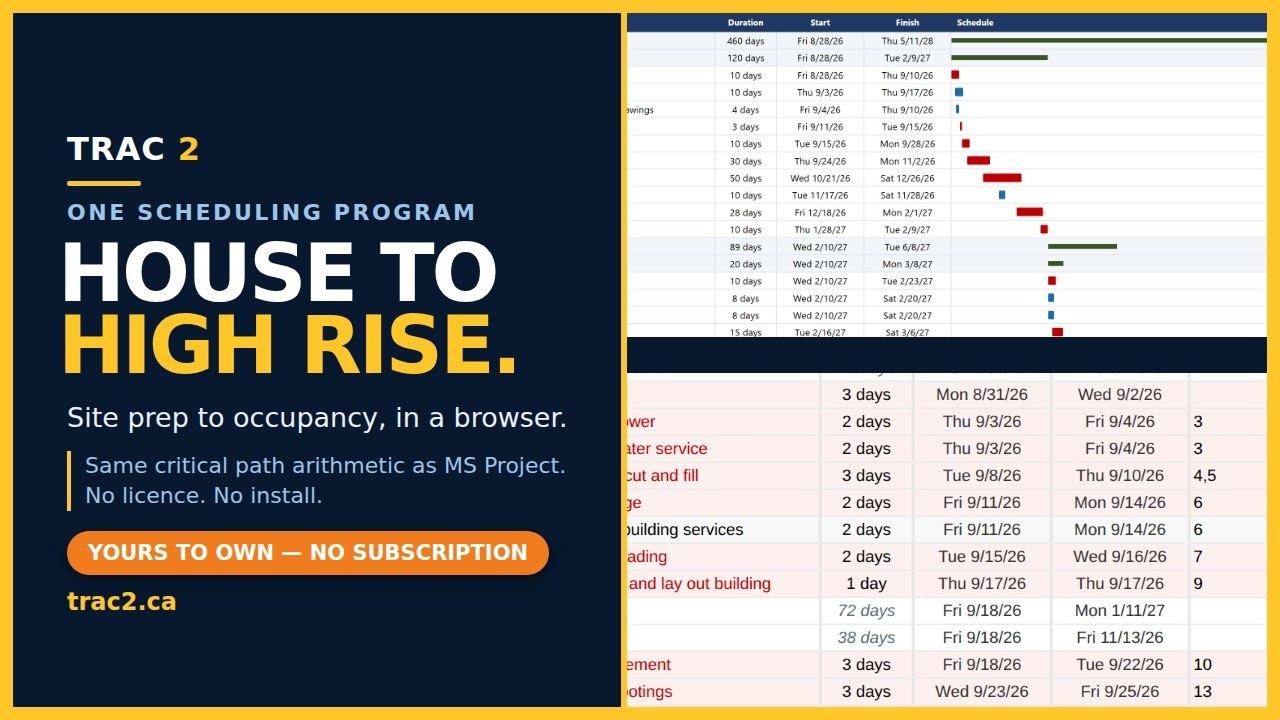
Trac2 Scheduling Program
trac2.mgmt's Store
$165.00
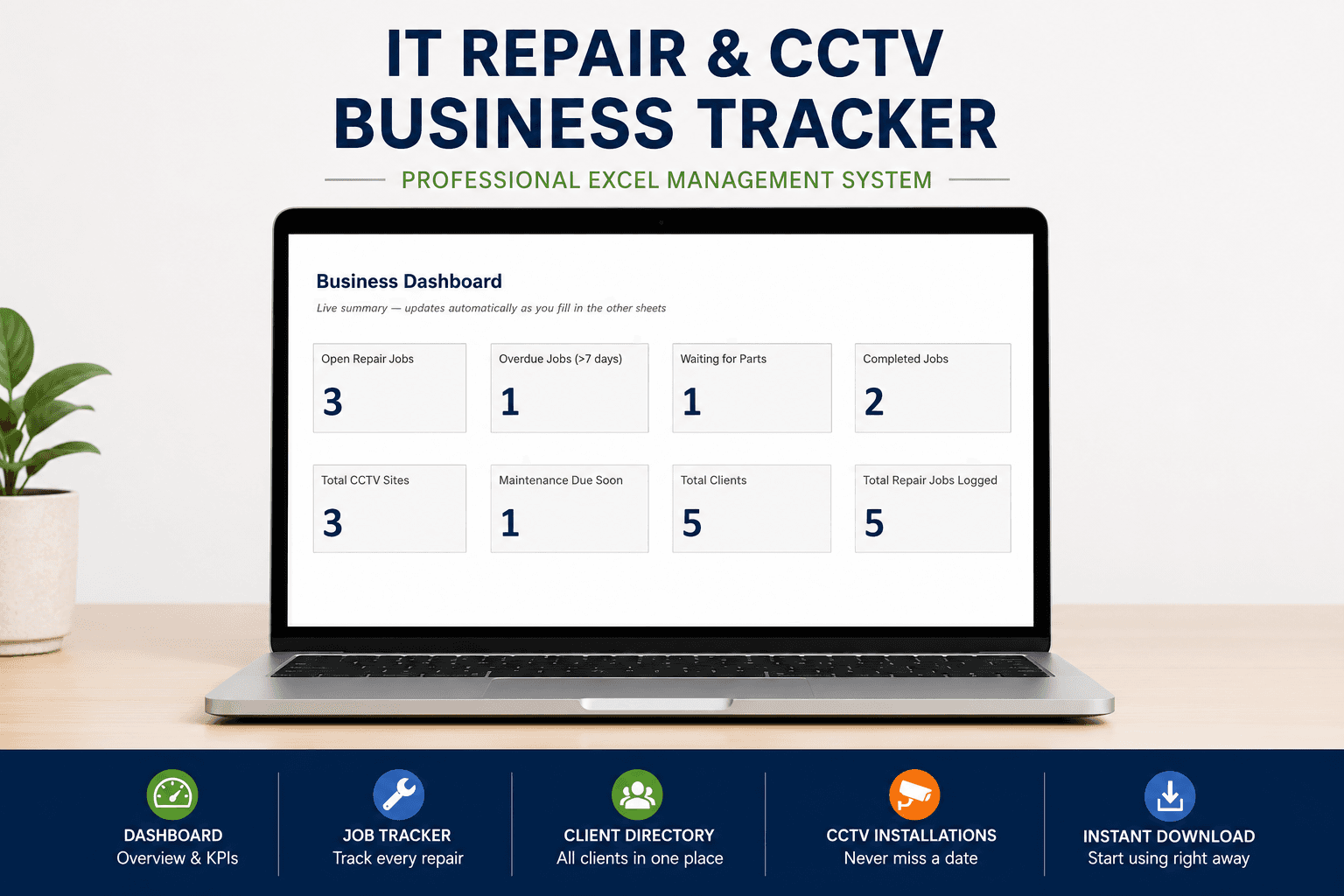
IT Repair & CCTV Business Tracker — Excel Template (Auto Job Status, Warranty & Maintenance Alerts)
IT technician and CCTV installer Store
$9.00
Questions about selling templates
What kinds of templates can I sell on PengDrop?
Any template you can deliver as a file or a link: Excel and Google Sheets, Word and Google Docs, PowerPoint and Keynote, Figma, Notion and Canva templates, resume templates, and design files packed in a ZIP.
How do I sell a Google Sheets or Google Docs template?
Share the file with a "make a copy" link, put that link in a PDF with instructions and upload the PDF as the product. Buyers get it by email and make their own copy.
Can I include several files in one template product?
Yes. A product can have several files, each up to 500MB, and the buyer receives a download link for each one.
How much does it cost?
The free plan has no monthly fee and a 5% commission per sale. The Annual plan is $89/year with 0% commission. Stripe's processing fees apply on both.
You can also sell
Open your templates store today
Free to start with 5% commission per sale. No credit card needed.
Create your free store